
Windows app for hosting game nights
Host a game server on your Windows PC. No server experience needed.
Gone Wrong Servers installs the shared game world, guides the connection setup, protects the save, and tells you when friends can play.
Runs on your Windows PC · Your world stays yours · Free essentials

Status and manual controls are included in Free. Guardian monitoring shown in the app is optional Pro automation.
Start here
Your child asked for a game server. Here is what that means.
A dedicated game server is the shared world everyone joins. Gone Wrong Servers handles the Windows setup and gives you a clear answer: can they play with their friends tonight?
The shared world runs on your PC
Gone Wrong Servers installs the game's dedicated server on a Windows computer you control. You are not renting a server from us.
Friends join from their own homes
The app guides the connection setup and tells you whether people outside your home can reach the server.
The PC stays on while they play
Once the server is ready, players can come and go without the host opening the game. The hosting PC needs to stay awake.
Your part takes about five minutes: choose the game, name the server, and review the plan. The game-server download can take longer depending on its size and your internet speed.
How it works
Three guided choices. Then the app does the server work.
No command line and no server manual. Your choices take about five minutes; the game download may take longer.

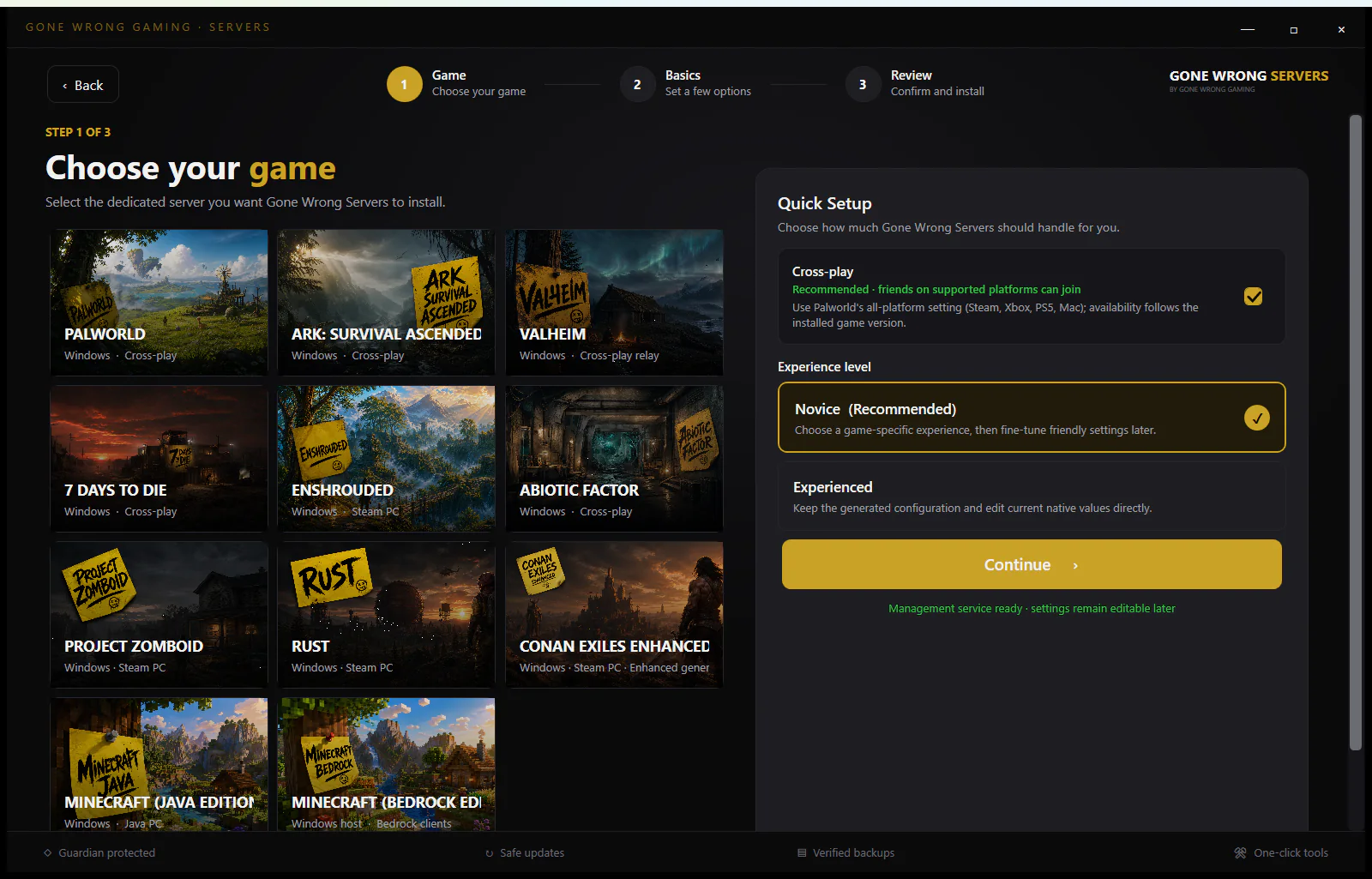
Choose the game
Pick a supported game. The app loads a safe installation plan built for that server.

Answer the basics
Name the server, choose where it lives, and select the kind of gameplay your group wants.

Review and install
Read the plan before anything changes. The app installs, checks the server, and shows the next action.
All three setup steps are included in Free. Want to see what comes next? Tour every current screen, with Free and Pro automation clearly labeled.
Tour the AppSupported games
Your game is probably here
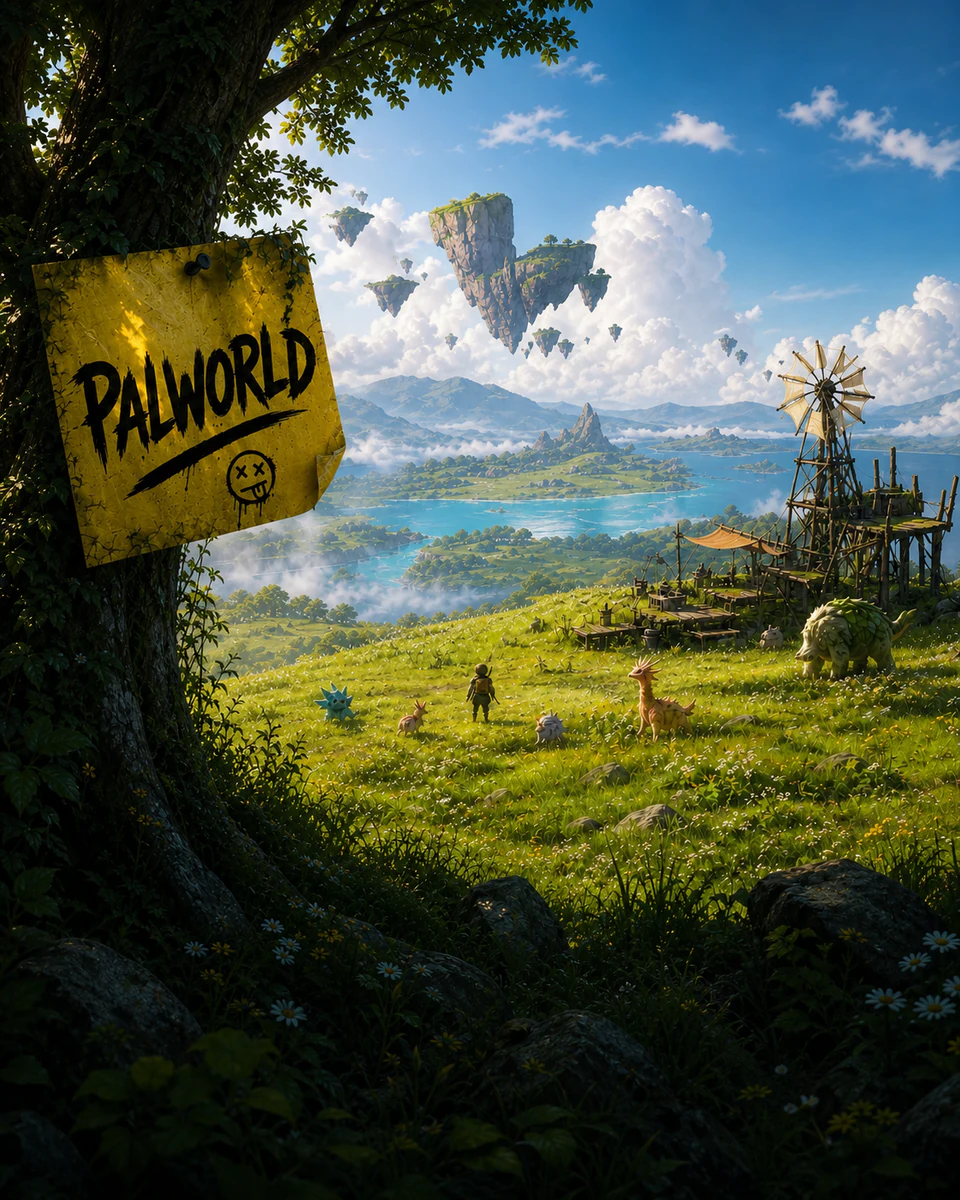
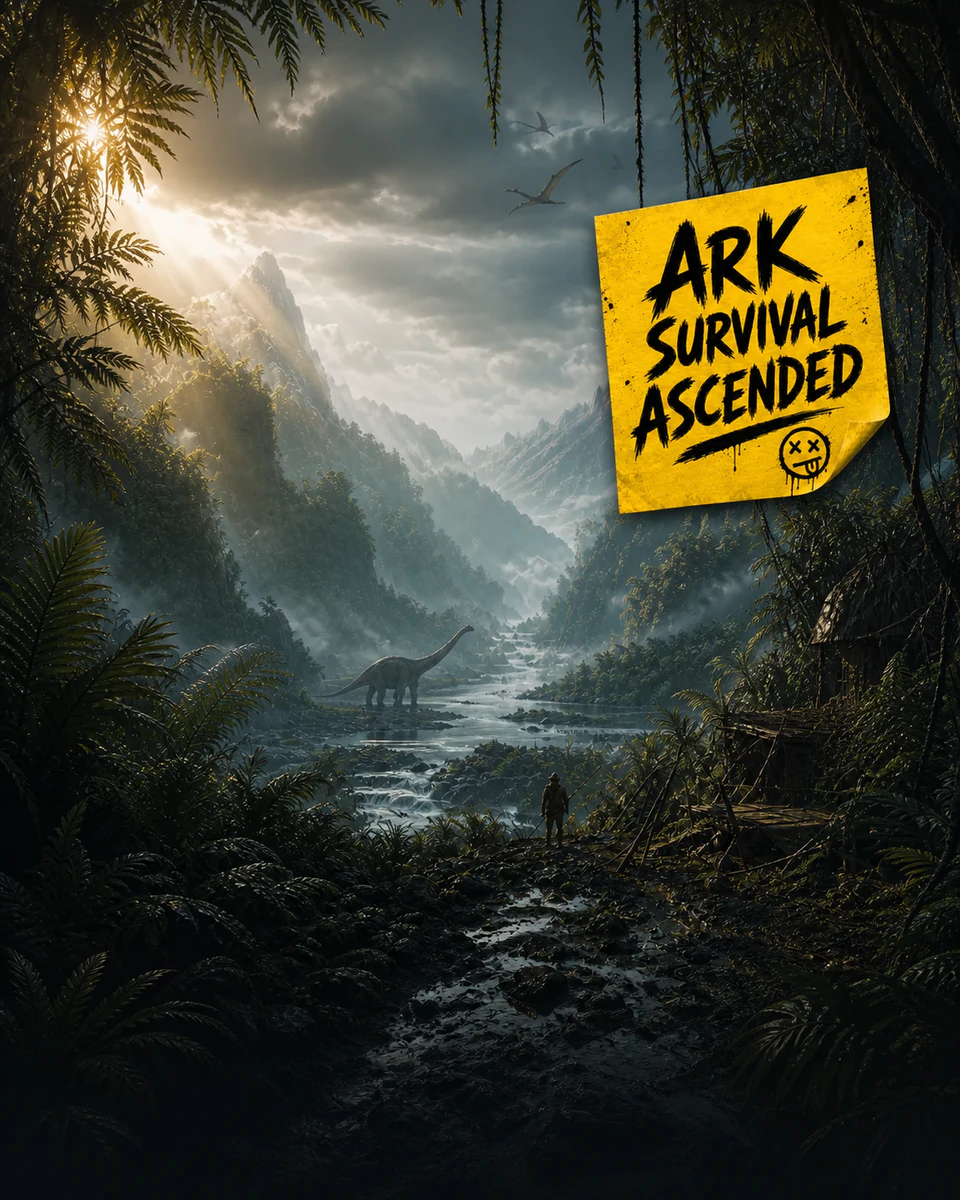
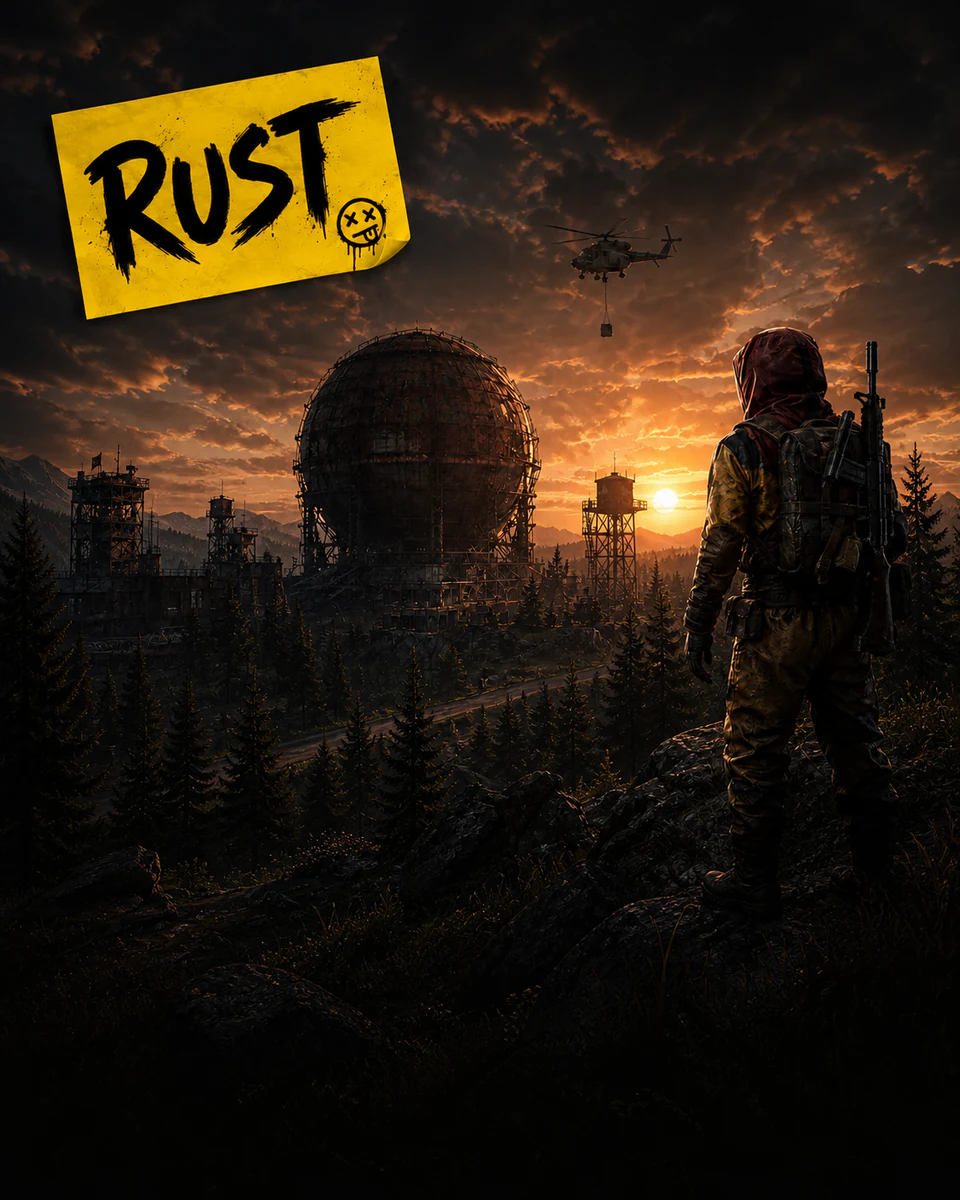
First-class support at launch — game-aware setup, settings, backups and connection checks for each one. More on the way.
For everyone at the table
Easy for beginners. Honest with experts.
Beginner mode never dumbs things down and expert mode never locks you out — it's the same app with the hood open or closed.
Never hosted anything?
Good. You don't need to have.
- Guided setup that speaks plain English, not server-admin
- Firewall rules and router help handled for you
- A clear answer to “can my friends join?” before game night
- Every failure explained: what happened, why, what to do next
Guardian, scheduled tasks, safe automatic updates, and concurrent multi-server hosting are optional Pro automation.
Been running servers for years?
Then you know exactly which parts deserve automating.
- Expert settings view and raw config access — nothing hidden
- Import and manage existing installations in place
- Verified recovery points covering the full native save tree
Trust
Hundreds of hours live in that save file
We treat your worlds like they matter — because they do. That's the whole reason this app exists.
Your world is never collateral
Rollbacks are verified before they run, and the world being replaced is set aside — never deleted.
Imports don't move a thing
An imported server is managed exactly where it lives. Worlds, settings and mods stay in place, untouched.
No lock-in, ever
Stop using Gone Wrong Servers tomorrow and your server keeps running. Your files were always yours.

Free vs Pro
Free runs your server. Pro runs it for you.
Install, configure, connect, update, recover, and manually operate your server for free. Pro adds Guardian and automation for the jobs you want handled automatically.
Free
Everything you needA complete server manager. Install it, host your friends, keep your world safe — no catch, no crippled features.
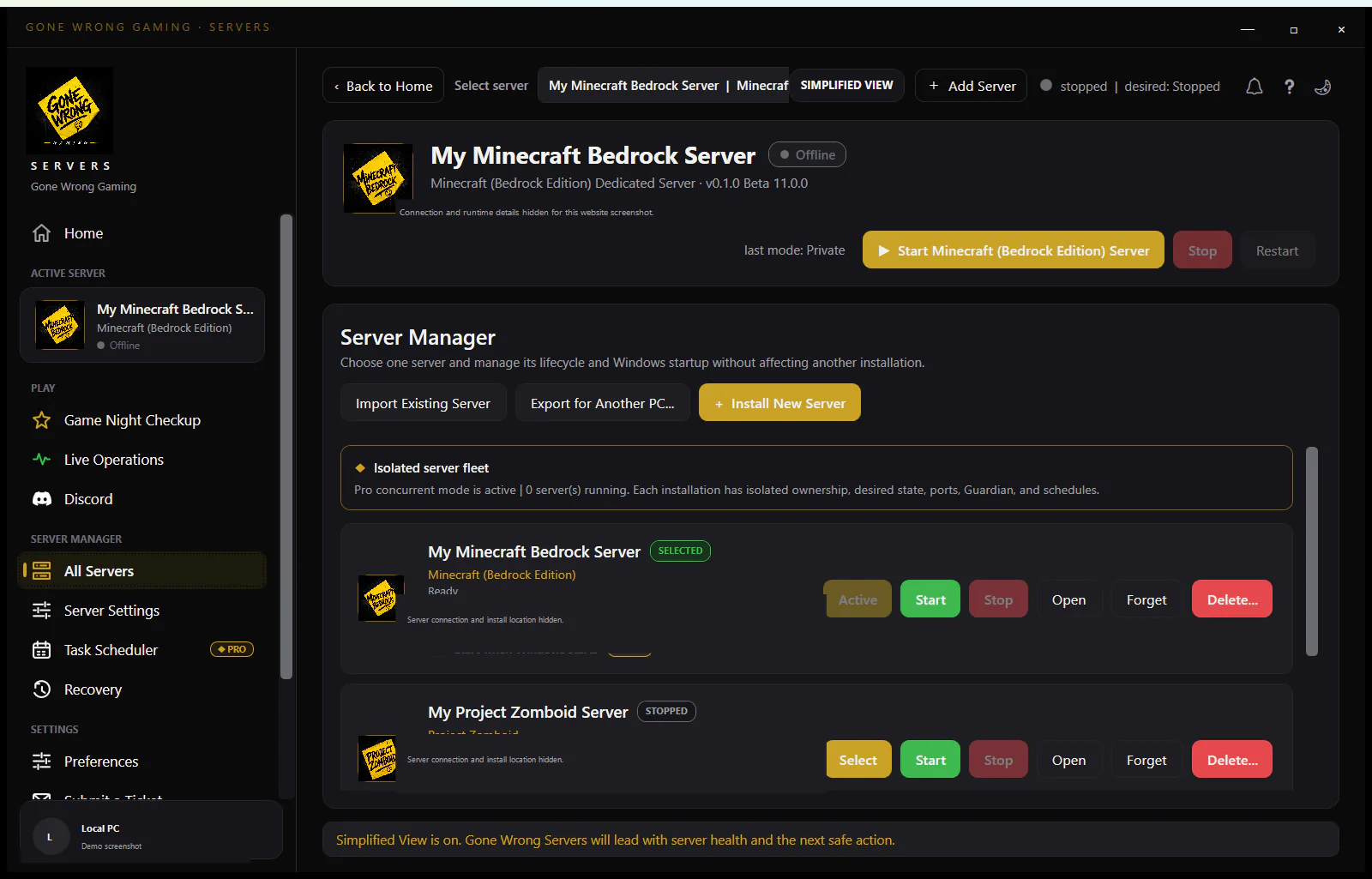
- Install, discover, import and migrate servers
- All supported server settings
- Start, stop and restart
- Manual updates
- Manual backups and world recovery
- …and more on the pricing page
$0
Pro
ProConvenience, protection and automation for servers that need to stay up — even when you're not at the keyboard.
- Server Guardian health watchdog
- Reboot and restart-loop recovery
- Scheduled tasks, broadcasts, backups and restarts
- Safe automatic updates
- Advanced and automated recovery points
- …and more on the pricing page
$40 / year
Community
Join the Gone Wrong Gaming Discord
Get beta news, setup help, troubleshooting advice and a place to share what you are hosting.
Parents ask us
The questions you should not need a server manual to answer
Straight answers before you install anything.
What is a dedicated game server?
It is a separate program that runs the shared game world. Players connect to it from their own copies of the game, so the world can stay available even when one particular player is not hosting from inside the game.
Does the server run on my computer?
Yes. Gone Wrong Servers installs and manages the dedicated server on a Windows PC you control. Your world and settings stay on that computer.
Does the computer need to stay on?
It needs to be on and awake while friends are playing. You can stop the server and turn the computer off when nobody needs it.
Can friends outside our home join?
Usually, yes. Connection Setup guides Windows Firewall and router checks, then helps confirm whether outside players can reach the server. Some internet providers may require an extra step or a different connection method.
Do I need to know networking or server administration?
No. Simplified view explains choices and problems in plain language. Experienced view and raw configuration remain available for people who want the technical detail.
Is Gone Wrong Servers a game-hosting subscription?
No. It is a Windows application that helps you host on your own PC. Pro adds optional automation and protection features, but the essential install, configuration, connection, and manual controls remain functional in Free.
Founders Access
Founders Access is coming soon
We're getting the Founders Beta ready. Signups open shortly — check back soon, or drop us a line and we'll make sure you're first to know.
The Founders Access list isn't open just yet. When it is, this is where you'll sign up for beta builds and launch news.
- Beta builds before anyone else
- A direct line to the developer
- First word on launch and Pro pricing
Want a heads-up the moment it opens? Email Support@gonewronggaming.com and we'll add you to the early list.