
Abiotic Factor Server Manager for Windows
SupportedWindows · Cross-play
Abiotic Factor combines a persistent facility world with platform-specific connection choices. Gone Wrong Servers installs the dedicated server, applies the right launch mode, and keeps its settings and save folders together.
Existing facilities can be imported from this PC or a hosting-provider backup. The app maps the native settings and world files, then asks you to review fresh local credentials before the first start.
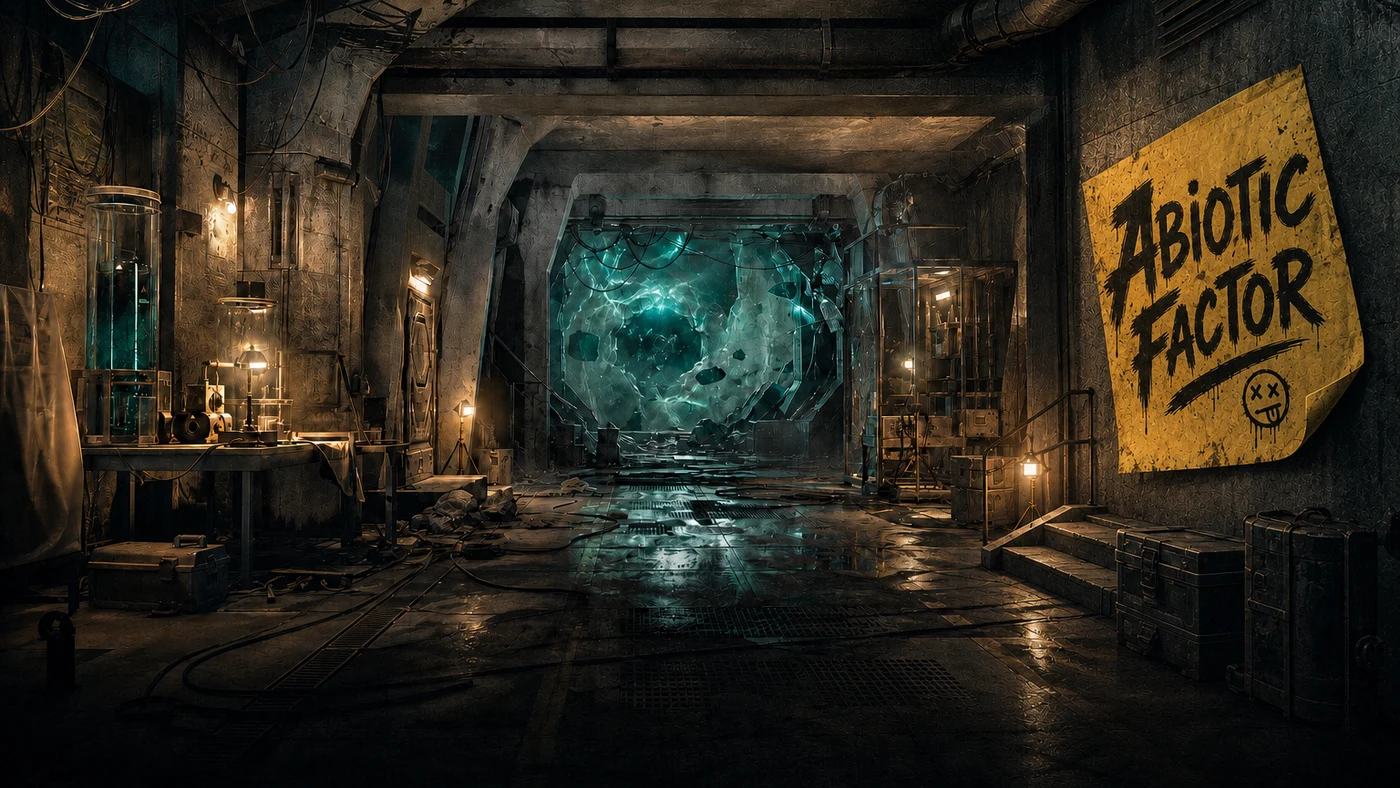
Game-aware Windows server manager
Windows · Cross-play
What you get
Abiotic Factor, handled
Supported capabilities
- Guided dedicated server install
- Import a local or hosted server backup
- Game-aware sandbox settings
- World recovery points and rollback
- Cross-play and connection assistance
Cross-play can bring supported Steam, Xbox/Windows Store, and PlayStation 5 players into the same facility, or you can keep the server limited to Steam PC.
From install to invite
- Choose Abiotic Factor and your platform mode
- Gone Wrong Servers installs and verifies the server
- Review the facility settings and connection checks
- Invite the research team back underground
Abiotic Factor and its artwork are the property of their respective owners. Gone Wrong Servers is independent third-party software.
Abiotic Factor technical snapshot
The real server package, files, and network path
This is the server-specific layer behind the guided experience. It identifies the actual package and the data that must survive an update, so you can verify what the app is managing or follow the complete manual guide yourself.
- Official server
- Abiotic Factor Dedicated Server
- Install and update
- SteamCMD or Steam Library Tools
- App ID 2857200
- Server process
- AbioticFactor/Binaries/Win64/AbioticFactorServer-Win64-Shipping.exe
- Player scope
- Official Windows dedicated server; current clients can use all-platform crossplay or explicit Steam PC, PlayStation, or Xbox/Windows Store groupings.
Player-facing ports
| Port | Protocol | Purpose |
|---|---|---|
| 7777 | UDP | Default player/game traffic selected with -PORT= |
| 27015 | UDP | Default Steam query/listing traffic selected with -QueryPort= |
| 14001 | UDP | Local discovery when -LANOnly is active |
Preserve these native files
AbioticFactor/Saved/SaveGames/Server/Worlds/<world>Selected dedicated world and player stateAbioticFactor/Saved/SaveGames/Server/Admin.iniNative administrator identitiesAbioticFactor/Saved/SaveGames/Server/Worlds/<world>/SandboxSettings.iniNative per-world sandbox settings
Edition and cross-play
Omitting -PlatformLimited enables the current all-platform crossplay path; explicit PC, Playstation, and Xbox values intentionally split discovery groups.
Mods and extensions
The reviewed developer server wiki documents sandbox customization but does not establish a first-party Workshop-style dedicated-server mod deployment workflow.
Administration
Use -AdminPassword, Admin.ini, and the in-game Player Management interface; the reviewed official wiki does not document RCON.
Diagnose the exact symptom
Abiotic Factor troubleshooting
The server is running and one platform can find or join it, while another supported platform group sees no listing or cannot connect.
Abiotic Factor Crossplay Server Not Visible
Fix an Abiotic Factor server that appears to Steam, Xbox, Windows Store or PlayStation users but not the intended crossplay group.
Open the tested checklist →
A copied Steam world exists on disk, but the dedicated server loads an empty Cascade or generates another world with no expected bases, inventories, or progression.
Abiotic Factor Migrated World Starts Fresh
Reconnect a Steam local Abiotic Factor world when the dedicated server creates a new Cascade after migration.
Open the tested checklist →
The server is online and players are present, but an automated broadcast, save, or shutdown action fails because no reliable remote-administration service is available.
Abiotic Factor Admin Save and Clean Server Stop
Save and stop an Abiotic Factor dedicated server safely when a management app cannot reach a native RCON shutdown channel.
Open the tested checklist →
Public beta
BETA is available now
Download the current Windows build directly from the official GitHub release. No signup or hosting account is required.
Start with a Windows computer you control. This installer is code-signed by GoneWrongGaming LLC. Check that publisher name in Windows before installing. The download page includes the exact filename and SHA-256 checksum.
- Windows 10 or 11 (64-bit)
- 11 supported games
- Backups, updates and recovery guidance