

Match this symptom
The server is online and players are present, but an automated broadcast, save, or shutdown action fails because no reliable remote-administration service is available.
The answer first
Use the in-game Player Management interface to Force World Save, verify completion, warn players, then close the dedicated process normally and wait for exit before backup. Do not keep retrying an invented RCON path or use process termination as the everyday stop method.
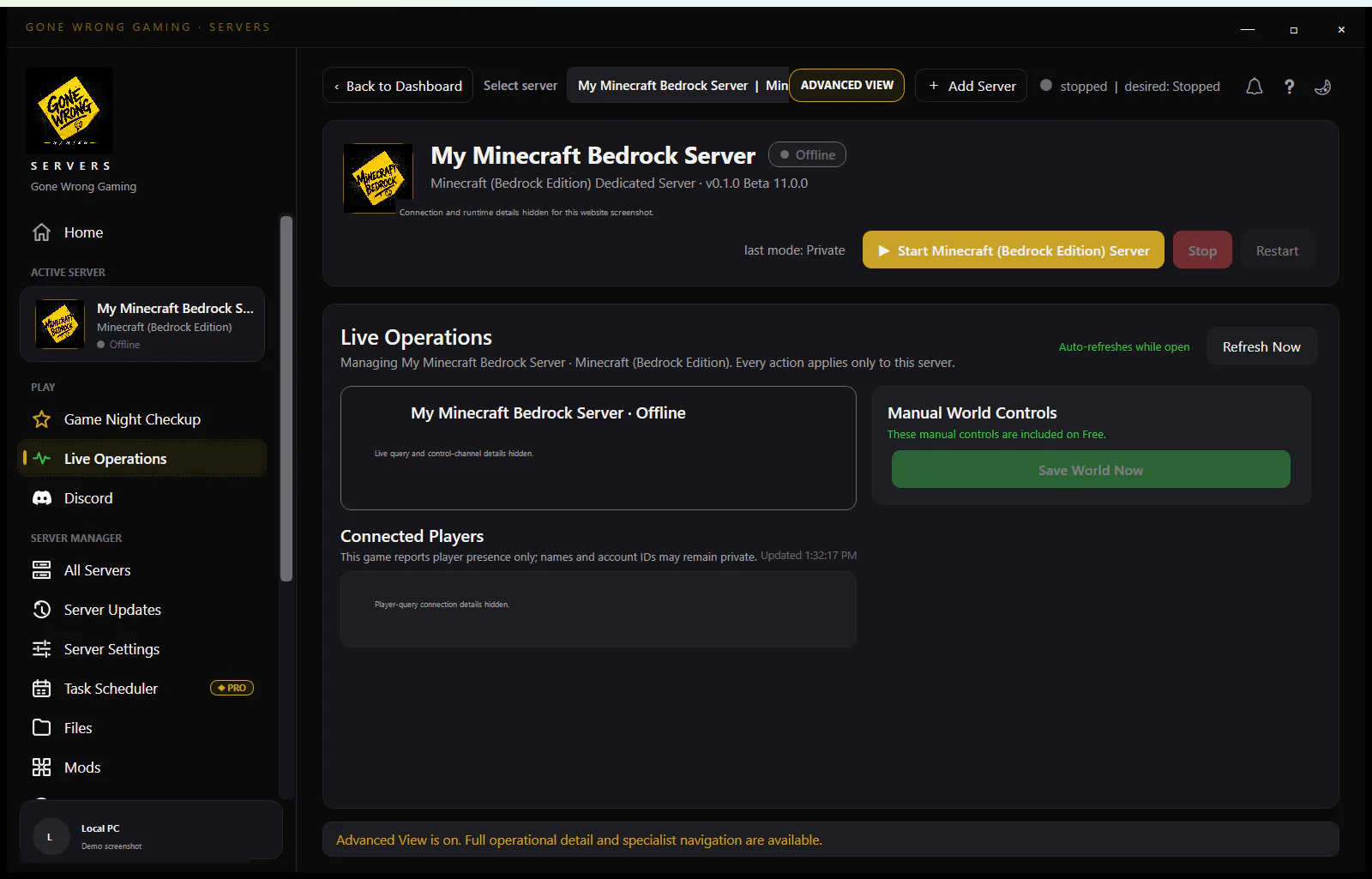
Understand what the error means
A working game/query connection proves player and listing traffic, not a remote admin channel. The official launch material documents Admin.ini, -AdminPassword, and in-game Player Management; it does not document RCON. A management UI should say the native remote operation is unavailable instead of blaming the Internet connection.
Create a clean manual checkpoint
- 1Authenticate as an administrator through the documented admin-password flow.
- 2Warn connected players and pause disruptive activity.
- 3Use Force World Save in Player Management and wait for the UI/log to confirm it.
- 4Close the dedicated server normally, then wait for the process and disk writes to finish.
- 5Copy the full Saved/SaveGames/Server tree and the active sandbox/admin files.
Do not turn a force-kill into normal automation
- A service stop that kills the process can interrupt a world write.
- A timeout should retain logs and surface a manual-action state, not claim that data was cleanly saved.
- Repeated automated restarts can compound an incomplete save or hide the original failure.
- Only a separately release-tested native command should enable a 'graceful remote shutdown' claim.
Protect administrator credentials
Keep Admin.ini, service arguments, and -AdminPassword out of public archives. Console administrators need the password because a SteamID-only whitelist cannot identify every supported platform, but that does not make the credential safe to embed in screenshots or logs.
Verify the checkpoint
- 1Start privately and confirm the expected WorldSaveName and sandbox file.
- 2Join, inspect a recent state change, force-save again, close, and restart.
- 3Retain the prior snapshot until the verified restart succeeds.
Design honest automation around the missing remote primitive
A safe manager can still monitor process health, query occupancy, schedule a maintenance reminder, and guide an administrator to Force World Save. It should mark the save/stop step as awaiting manual confirmation, record who confirmed it and when, and take the file snapshot only after the process exits. It should not convert a query response or a timed process stop into a claim that the world was natively saved.
To validate any future automation, make a harmless in-world change, invoke the proposed native procedure, and compare the log and world after two restarts. Repeat with connected players and during an update rehearsal on a copied world. Until a publisher-documented command and those integrity tests agree, retain the manual boundary and phrase the limitation plainly instead of presenting a generic service-reachability error.