
Match this symptom
A long-lived Build 41 world or its mods fail, reset, or show incompatible map behavior after the server moves to current Stable Build 42.
The answer first
Stop immediately and preserve the entire cache root in its current and pre-upgrade forms. Build 41 and Build 42 worlds are not compatible; return an untouched Build 41 snapshot to the matching legacy41 branch instead of repeatedly starting the only copy on Build 42.
Freeze every copy and record the last good build
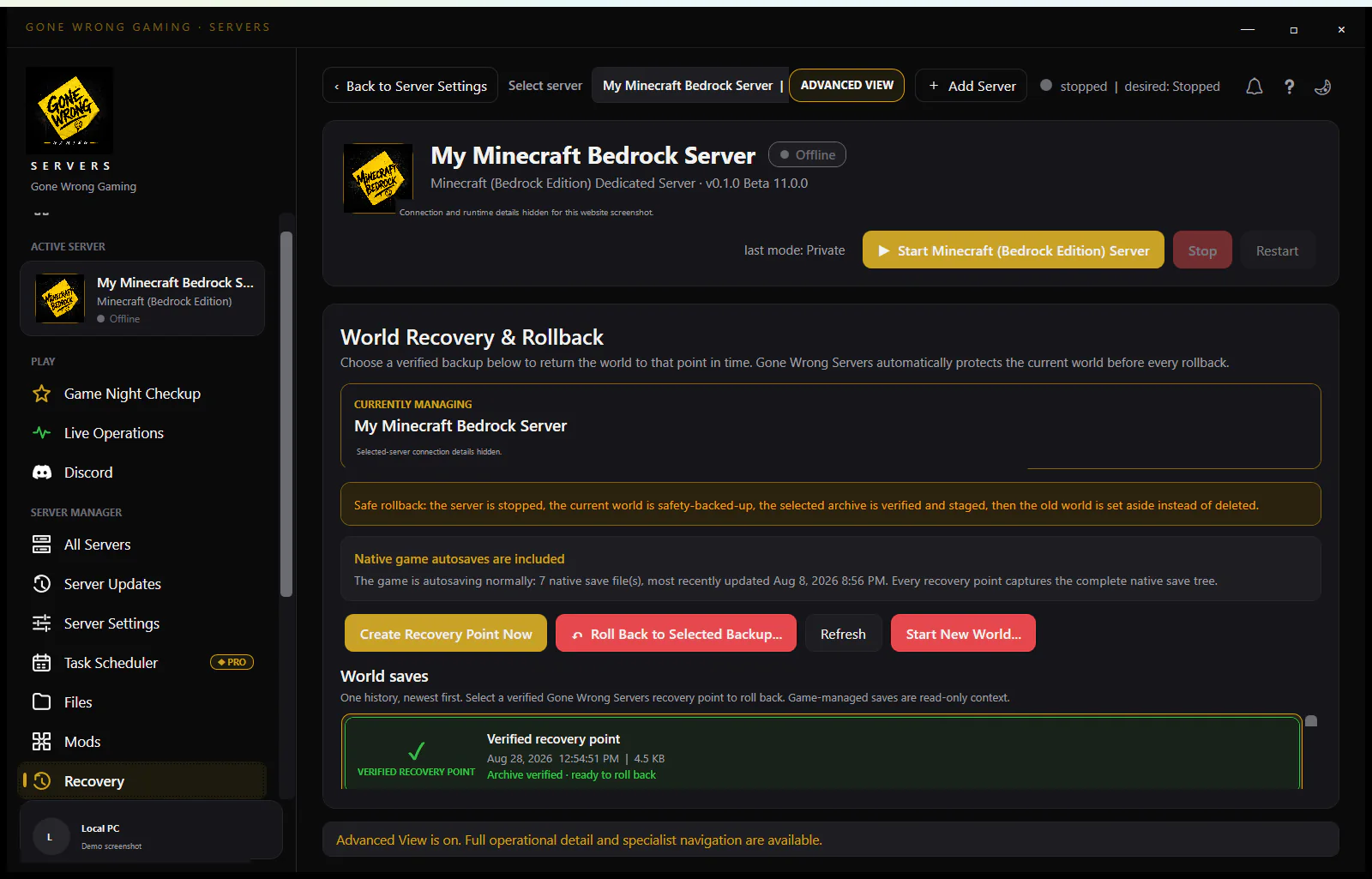
- 1Stop the Java/server process and automatic restarts.
- 2Copy the current cache root—Server, Saves/Multiplayer, db, backups, and Logs—to quarantine.
- 3Locate the last untouched pre-Build-42 snapshot and do not open it yet.
- 4Record the last successful Build 41 branch/build, server name, cache root, WorkshopItems, Mods, and startup options.
Do not mistake Stable status for save migration
Build 42.20 became Stable on July 29, 2026, but the official plan still treats Build 41 and Build 42 worlds as incompatible. Stable means the branch is the current public release; it does not rewrite a Build 41 save safely or make Build 41 mods compatible.
Restore the Build 41 server as one set
- 1Select the currently available legacy41 branch through the documented Steam mechanism.
- 2Restore the owner-named Server INI/Lua files, Multiplayer save, matching database, and compatible Build 41 mod set from the same snapshot.
- 3Launch with the exact original -servername and -cachedir values.
- 4Keep UDP/RCON access private until map, accounts, and mods load without migration errors.
Prove the recovery without sacrificing rollback
Join privately with a representative account, verify a known base/map cell, permissions, and mod-owned content. Run console save, then console quit, restart, and check again. Keep the untouched source snapshot until several normal sessions and a new verified backup exist.
Plan a separate Build 42 future
- Create a fresh Build 42 server identity instead of overwriting the recovered Build 41 world.
- Select only mods explicitly updated for Build 42.
- Tell players that Build 42.20 Stable is a new compatibility generation, not a transparent in-place world update.
- Retain the Build 41 server until an official migration path or an accepted fresh-start plan exists.
Use the cache and log evidence to date the crossover
Inspect the last clean Build 41 log, first Build 42 startup log, native backup timestamps, and files modified during the attempted start. That timeline answers whether the protected snapshot predates the incompatible open. Do not assume a folder called backup is safe merely because its name is older; verify its archive contents include the matching Server files, Multiplayer world, database, and mod list.
If Build 42 wrote into the only Build 41 cache, keep that cache quarantined even after legacy41 appears to open it. Recover from the last known-good pre-crossover point where possible, then verify a representative character, vehicle, base, explored cell, and administrator account through save/quit/restart. Document the rollback amount for players instead of merging newer Build 42-written map cells into the older world.
Choose a branch outcome before touching the save
There are three defensible outcomes. Recover the existing community on legacy41 from an untouched Build 41 checkpoint; create a separate fresh Build 42 identity for a planned restart; or preserve both while administrators evaluate mods and player expectations. Repeatedly alternating one cache root between generations is not a migration strategy. Assign each outcome its own binaries, explicit cache directory, server name, port set, and backup policy so a service restart cannot cross the boundary again.
If the last known-good checkpoint predates the Build 42 start, use that as the recovery source and retain the modified copy only as incident evidence. If every backup was opened or written by Build 42, stop and inventory them before selecting the least-altered candidate. The official incompatibility statement does not establish a safe reverse conversion, so do not merge Build 42 map cells, databases, or Lua configuration back into a Build 41 set by hand.
Honor hard stop conditions
A partially familiar map is not permission to save. Capture the first relevant log lines, close with the safest available path, and reset the trial from the untouched checkpoint. When no compatible mod release or retained branch can reproduce the known-good stack, keep the world offline and communicate the blocker rather than accepting silent data loss as an upgrade.
- Stop if the log reports Build 42 while the trial is supposed to be the recovered legacy41 service.
- Stop if the explicit cache directory or server name resolves to the quarantine or to the other generation.
- Stop if a required Build 41 mod is absent and its missing content changes the world on load.
- Stop if known characters, vehicles, safehouses, factions, or administrator records are missing even when the map appears familiar.
Pass a generation-specific acceptance matrix
For the recovered Build 41 service, record the legacy41 branch/build, explicit cache directory, server name, Workshop and internal mod IDs, and a checksum or inventory of the restored configuration. Verify at least one established character, a remote explored cell, a player-built base, a vehicle, account privileges, and representative mod-owned content. Then issue console save and quit, confirm the process exits, and verify the same checks after a second launch.
For a new Build 42 service, treat success independently: fresh owner name and cache root, Build 42-compatible mods only, new-world acceptance, and its own stopped backup. Keep services and shortcuts labelled by generation. A pre-update runbook should snapshot the full cache, record the selected Steam branch, and block automatic branch changes until a copied environment passes this matrix.