
Match this symptom
After migration or maintenance, Rust starts normally but shows a new map and no expected bases, while old .map, .sav, or database files may still exist under another identity.
The answer first
Stop before running server.save on the fresh map. Quarantine the new identity, then restore the original server.identity, seed, world size, map type, and complete server/<identity> snapshot together. A changed selector can create new state without deleting the old world.
Freeze both identities
- 1Use native quit if possible and wait for RustDedicated.exe to exit.
- 2Copy the current fresh server/<identity> and the suspected original identity to separate protected folders.
- 3Preserve the current launch command, startup log, plugin roots, and app manifest/build record.
- 4Do not rename .map or .sav files trying to make them fit a different seed or size.
Compare every world selector
- server.identity directory name
- server.world/map type
- server.seed
- server.worldsize
- save/protocol suffix visible in the active files
- installed server build and any forced-wipe protocol change
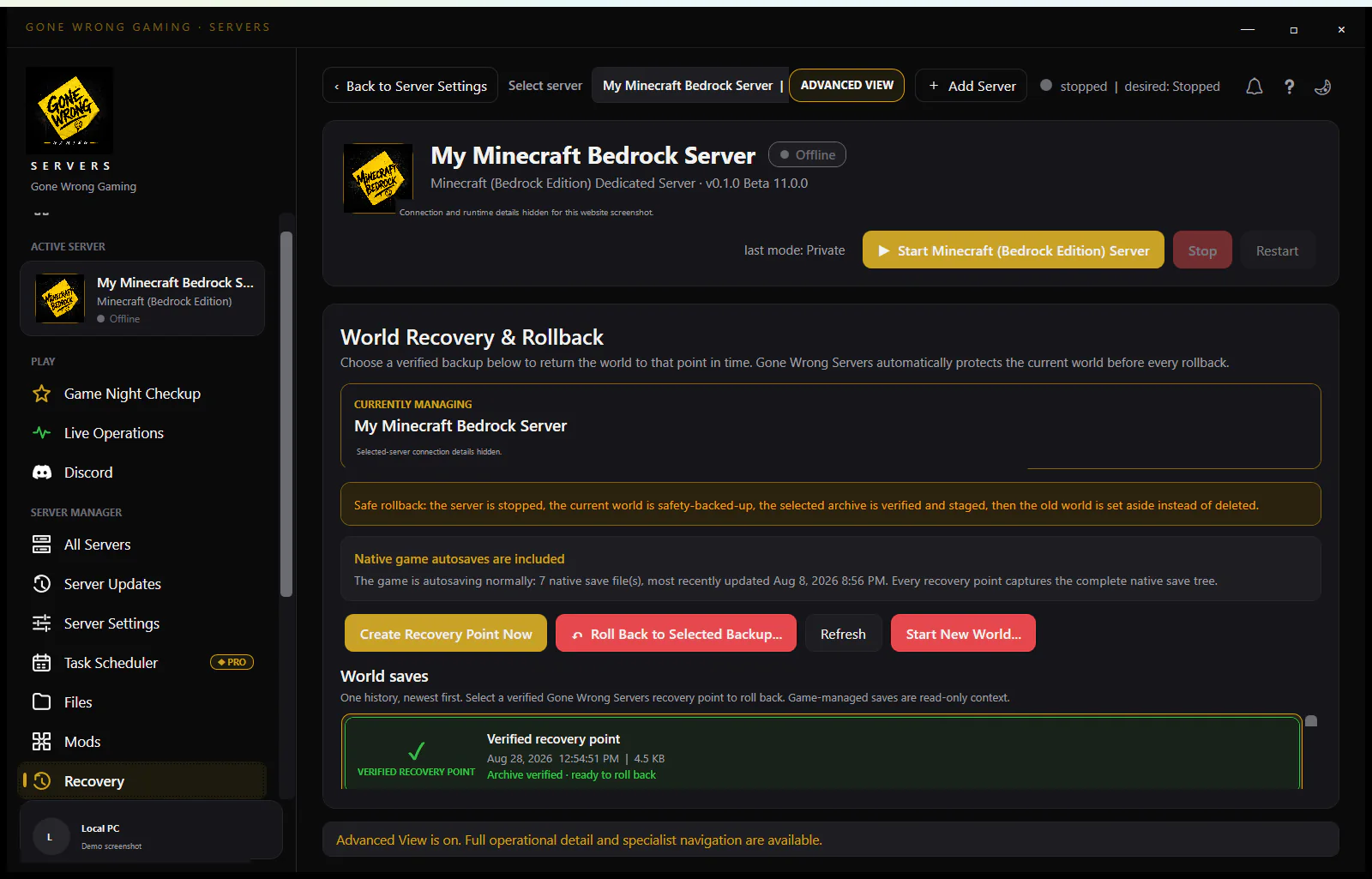
Restore a complete stopped snapshot
Bring back the original identity directory as one unit: configuration, map, save, SQLite databases and WAL/SHM sidecars, users, bans, companion.id, and plugin data. Restore only against a compatible Rust build and third-party framework. Mixing timestamps can load the terrain while losing auxiliary state.
Prove the old world without public writes
- 1Start with public access restricted and wait for Server startup complete.
- 2Verify the correct map seed/size and a known base or monument-area change.
- 3Confirm owners/users and plugin-owned data where applicable.
- 4Run server.save, issue native quit, restart, and repeat verification.
Know when it was a real forced wipe
If Facepunch's current update changed the world protocol and forced a map wipe, selecting old values may not make the old save load safely. Use the official update notice and a compatible retained build/snapshot where available; do not claim that Steam validation can always recover an obsolete world protocol.
Use filenames and logs to prove which identity Rust selected
At startup, record the resolved identity directory and the map/save filenames Rust opens. Compare their seed, size, protocol suffix, timestamps, and file sizes with the pre-maintenance inventory. Finding an old .sav elsewhere on disk is not enough: the active process must select it with the same connected launch values, and its auxiliary databases must come from the same stopped snapshot.
After restoration, watch which files change during server.save. Writes inside a newly created identity reveal that the service still launches different arguments even if the console hostname looks familiar. Stop, correct the service definition, and repeat on a copy. Do not move only the old .sav into the new identity to silence the symptom; users, companion pairing, configuration, and database state can remain inconsistent.
Choose the recovery branch from the evidence
If the old identity directory remains complete and the update did not change the world protocol, restore the original launch selectors and test a copied snapshot of that directory. If the identity name matches but seed, size, or map type changed, hold the directory constant and correct those selectors from the last known-good launch record. If the selectors match but only an older save exists, recover the entire stopped checkpoint around that save rather than replacing one file inside newer databases.
If the official update notice indicates a forced map wipe or the filenames show a new protocol generation, stop trying to coerce the previous map into the current runtime. Preserve the pre-wipe stack for archival or a separately retained compatible environment where available, then begin the supported new map deliberately. If no trustworthy pre-change launch record exists, compare logs, service history, and directory timestamps before choosing; a familiar hostname is not a world selector.
Stop on incompatible or internally mixed state
Keep every rejected trial and its log separate. Do not rename protocol-stamped files, merge SQLite databases, or discard WAL/SHM sidecars to make a mixed snapshot appear clean. If the only available data spans different timestamps, document the gap and favor the newest complete internally consistent checkpoint over a newer terrain file paired with older ownership or plugin state.
- Stop if Rust opens the expected terrain but owners, bans, blueprints, companion pairing, or required plugin data come from another timestamp.
- Stop if the startup log selects a different identity or protocol suffix than the trial manifest.
- Stop if an official forced-wipe boundary makes the restored map incompatible with the installed build.
- Stop if server.save changes the archive or a different identity rather than the isolated recovery copy.
Complete the rollback and persistence matrix
Before reopening, verify the map seed and size, two recognizable player-built locations, a representative player account, owners/users/bans, and any business-critical plugin data. Confirm Rust+ only if it was part of the recovered identity. Run server.save, issue native quit, wait for process exit, and inventory the files that changed. A second private start must select the same filenames and reproduce the same checks.
Keep the untouched pre-maintenance snapshot until the restored server has passed several normal cycles. Beside the accepted backup, store the redacted launch command, identity name, map type, seed, world size, protocol/build, plugin/framework versions, file inventory, and official wipe notice consulted. That prevention record makes an intentional wipe distinguishable from an accidental selector change before players build on the wrong map.