
Match this symptom
The Legacy Exiled Lands database was copied, but the Enhanced UE5 server opens a fresh world, ignores it, or retains an older game_0.db.
The answer first
Stop immediately and preserve the original Legacy Saved tree plus the newly generated Enhanced tree. Conversion is one-way: work from a copy of the Exiled Lands game.db, place it in the official Enhanced Saved location, and ensure no existing game_0.db blocks first conversion.
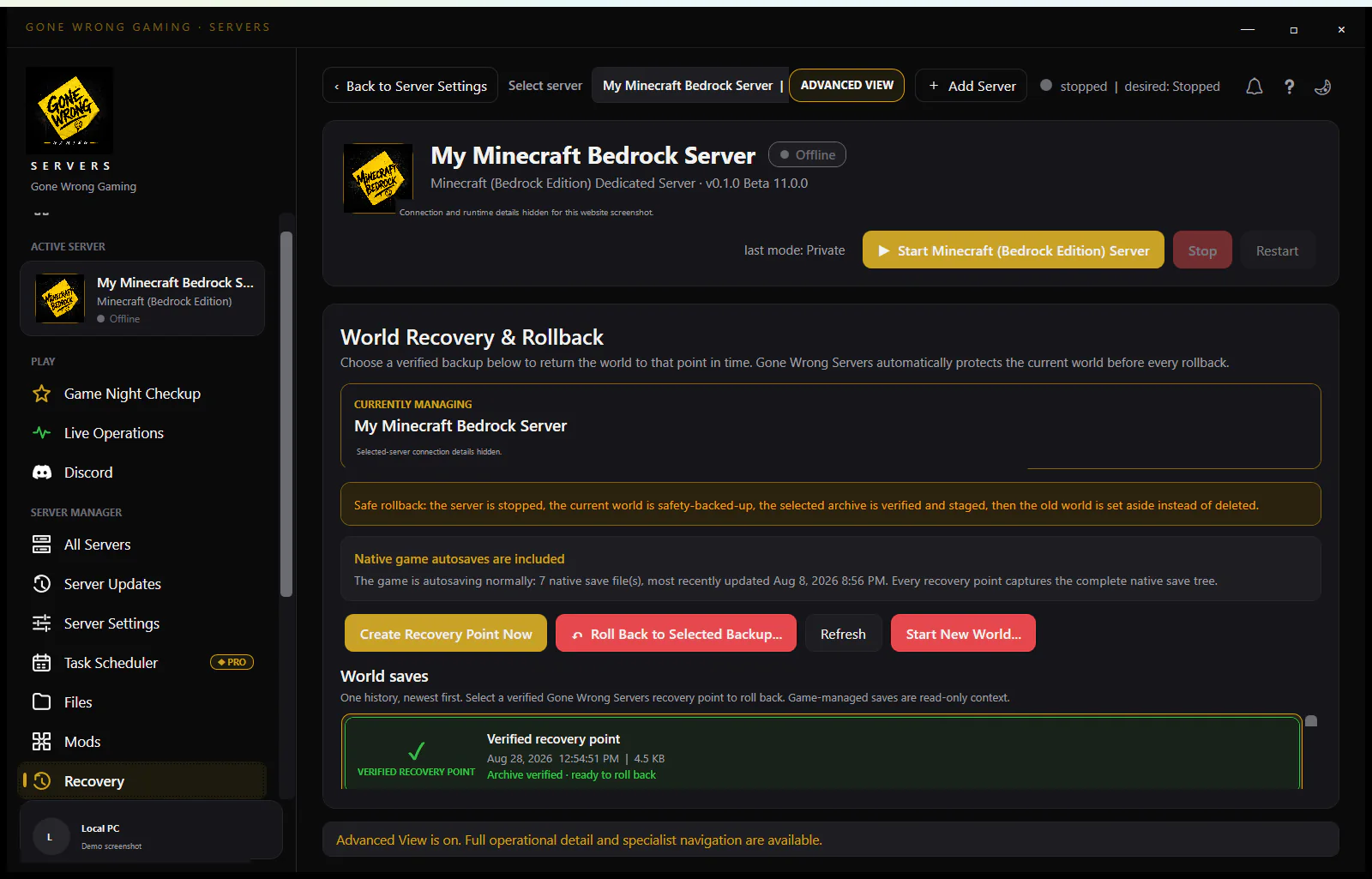
Preserve the only reversible state
- 1Stop both Legacy and Enhanced processes and wait for database writes to finish.
- 2Archive the complete Legacy ConanSandbox/Saved tree, its exact UE4 build/branch, configuration, and mods outside either installation.
- 3Quarantine the current Enhanced Saved tree, including game_0.db, WAL/SHM sidecars, configs, mods, and logs.
- 4Create a separate working copy of the Legacy game.db for the next conversion attempt.
Confirm the source is an Exiled Lands Legacy database
The official workflow supports moving a Legacy Exiled Lands game.db forward. It does not promise that a Legacy Siptah base/world becomes a wholesale Enhanced Siptah world. Keep Siptah data on its compatible Legacy server and follow only the current documented character, inventory, and follower transfer scope.
Run first conversion in the documented order
- 1Install clean current Enhanced server binaries and let them create the directory structure, then stop.
- 2Remove the generated test Saved tree to quarantine or, at minimum, ensure no game_0.db remains in the conversion destination.
- 3Place the working copy of game.db at the official Enhanced Saved location with its exact filename.
- 4Start privately and watch the first conversion log; do not let public players create state until validation finishes.
Validate database meaning, not just file creation
- Correct Exiled Lands map and recognizable buildings
- Characters, clans, inventories, followers, and ownership
- Expected server settings and Enhanced-compatible mods
- A clean save/normal close followed by multiple successful restarts
Keep Legacy rollback separate forever
An Enhanced game_0.db cannot be converted back to Legacy under the official guide. Retain the untouched Legacy game.db, full Saved tree, and compatible Legacy runtime even after conversion appears successful. Future Enhanced backups must capture the entire stopped Saved tree, not only the main database.
Read the conversion artifacts before trying again
Compare the first Enhanced migration log with the Saved directory timestamps. A newly created game_0.db alongside an untouched source game.db shows that a conversion attempt occurred, but file creation alone does not prove the intended source was selected or completed. Preserve game_0.db and any WAL/SHM sidecars from that attempt in quarantine so a later success is not confused with an older partial conversion.
If the log identifies a database/schema or mod-related failure, reproduce it on a fresh working copy with the same Enhanced build and no unverified Legacy-only mods. Do not open the original Legacy database repeatedly in different Enhanced builds. Record the source hash, Enhanced build, conversion start/end times, and resulting hash so each test has provenance and the immutable rollback source remains demonstrably unchanged.
Choose the migration branch from the source world
For an Exiled Lands Legacy source, use the documented game.db-to-game_0.db conversion on an isolated Enhanced installation. For an Isle of Siptah source, do not assume that the Exiled Lands database workflow moves the world and bases; preserve the Legacy service and follow only the narrower transfer capabilities Funcom currently documents. If the source map cannot be proven from its last good log and database context, stop before placing it into the conversion destination.
A newly generated Enhanced test world belongs to a third branch: quarantine or discard that test only after preserving its log, then retry from a clean destination with a fresh copy of the immutable source. Do not overwrite an established Enhanced game_0.db with a Legacy game.db. When an existing Enhanced community already occupies the destination, create a separate server identity and port set for the migration trial rather than treating two databases as mergeable.
Stop a conversion that loses meaning
Close the failed trial, preserve its entire Saved tree and log, and reset from another copy of the original source. Do not repeatedly delete sidecars, rename databases, or copy tables between attempts to force a load. If the current official converter cannot accept the known-good source, retain the functional Legacy stack and escalate with hashes, build identifiers, logs, and the exact source map rather than consuming the rollback state.
- Stop if an existing game_0.db or its sidecars remain in the intended first-conversion destination.
- Stop if the first log does not identify the expected conversion path or reports a schema, database, or incompatible-mod failure.
- Stop if the resulting Exiled Lands terrain appears but clans, ownership, characters, followers, or recognizable structures do not match the source checkpoint.
- Stop if the process writes into the archived Legacy tree or a different Enhanced Saved directory than the trial manifest.
Pass a migration acceptance matrix
Validate representative records from every important data class: map and landmark, player character, clan and ownership, inventory, follower, building, server setting, and each approved Enhanced-compatible mod. Run the available save path, close normally, verify process exit, and inventory game_0.db plus its sidecars. Restart the same Enhanced build several times and repeat representative joins before changing DNS, public ports, or player instructions.
Archive the accepted Enhanced Saved tree as a new baseline while retaining the untouched Legacy Saved tree and its runtime separately. Store source/result hashes, source and destination builds, map, mod manifests, conversion log, test accounts, and pass/fail observations. Because the conversion is one-way, prevention depends on keeping both generations explicit and never allowing an Enhanced backup job to replace the only Legacy rollback archive.