

Match this symptom
A Bedrock client on the home network joins the expected world, but a friend on another internet connection times out or never reaches the server.
The answer first
Keep the world and server settings intact: a successful LAN join proves the BDS process, world and local listener are basically healthy. Match one UDP port—19132 by default—across server.properties, Windows Firewall and the router forward to a reserved LAN address, then test from a genuinely separate network. If the router has no public address, investigate double NAT or CGNAT instead of opening more ports.
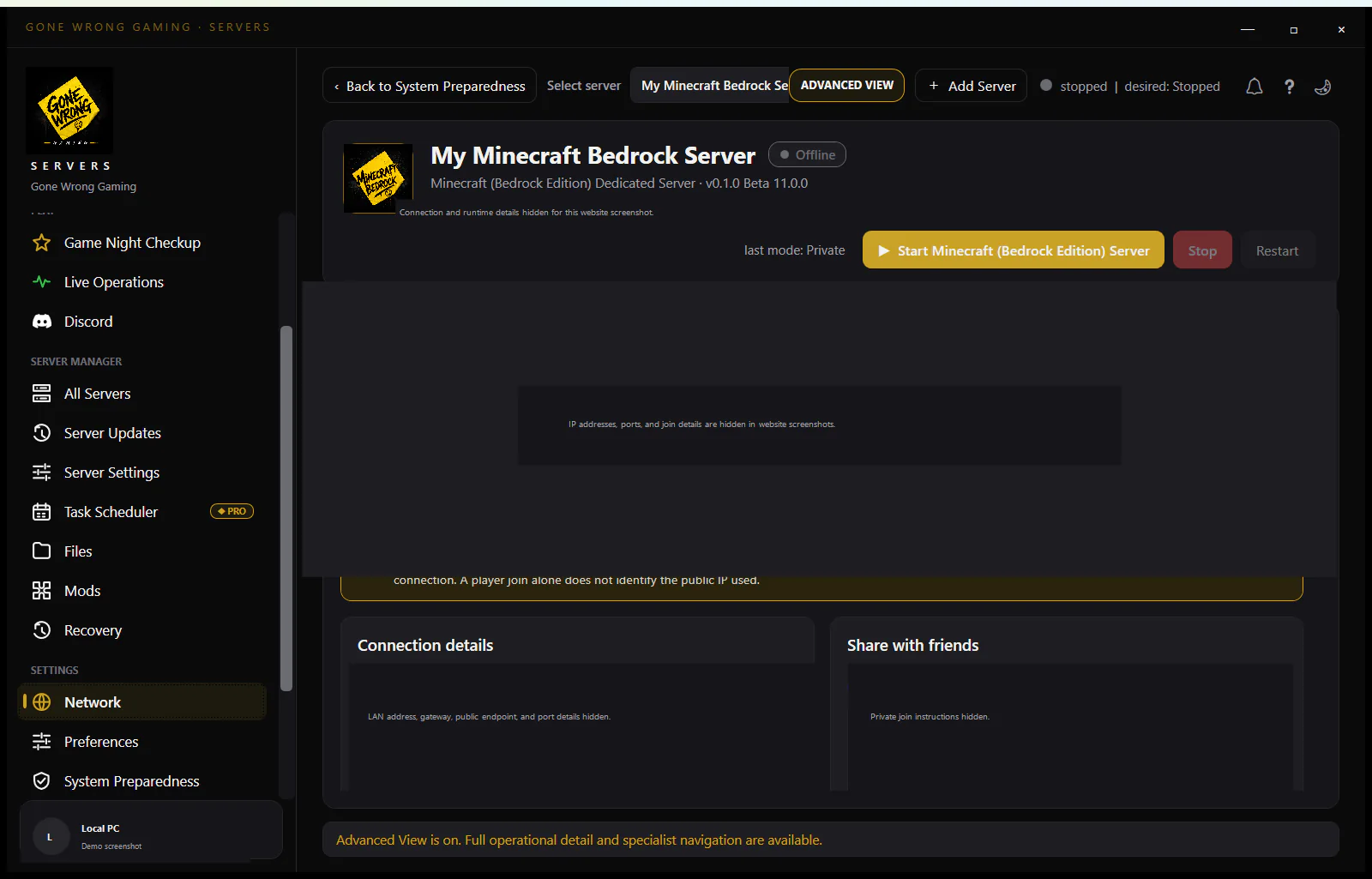
Preserve the known-good local result
Do not recreate the world, reinstall BDS or change level-name for this symptom. A LAN player reaching the correct world demonstrates that those layers are not the current failure.
- Record server-port and server-portv6 from server.properties.
- Record the server PC’s current LAN IPv4 address and reserve it in DHCP.
- Confirm the outside player is using the public address and the same selected IPv4 port.
- Keep online-mode enabled; authentication changes do not repair blocked UDP.
Build one narrow UDP path
- 1Confirm bedrock_server.exe is running from the intended BDS root and listening on server-port; the default is UDP 19132.
- 2In Windows Defender Firewall, create or inspect one inbound UDP rule for the selected port and correct network profiles.
- 3In the router, forward the same external UDP port to the reserved LAN address and internal UDP port.
- 4Remove duplicate or stale rules only after recording them; do not disable the firewall as the permanent fix.
Check the upstream network
A modem-router in front of another router creates two NAT boundaries. Carrier-grade NAT places the public boundary inside the ISP. In either case, a rule on only the gaming router cannot make the PC reachable from the internet.
- Compare the router’s WAN address with the public IPv4 address reported to an outside service.
- If another local gateway owns the public address, bridge it or forward through both layers deliberately.
- If the WAN address is private/shared carrier space, ask the ISP about a public address or use an intentional supported relay/VPN solution.
- For IPv6 joining, use the configured UDP 19133 path and intentional IPv6 firewall rules; do not apply IPv4 NAT instructions blindly.
Run an external test that can answer the question
- 1Keep BDS running and wait until the world is ready.
- 2Use a Bedrock client on mobile data or another independent connection, with a compatible retail/Preview channel.
- 3Watch the BDS console while the client attempts to join. No traffic points back to firewall/NAT; an explicit version/authentication message is a different branch.
- 4Record the exact outside result, protocol, address family and time rather than relying on a generic TCP-only port-check website.
Interpret the console during the outside attempt
Keep the BDS console visible and correlate its timestamp with one deliberate join. If the client waits and the console remains unchanged, the useful branch is still before the application: wrong public address, wrong UDP port, host firewall, NAT, upstream NAT or an unavailable address family. Reinstalling the server cannot cause a packet that never arrives to appear.
If BDS prints an authentication, allow-list, capacity or incompatible-version response at the same moment, public reachability has been demonstrated for that attempt. Preserve the exact text and move to that named layer. A rejection is frustrating, but it is stronger diagnostic evidence than a silent timeout because the client and server exchanged traffic.
- A bind or address-in-use error at startup means BDS never acquired the configured local port; resolve that locally before testing the router.
- A normal ready server plus no outside console event keeps the investigation on the network path.
- An Outdated Client or Outdated Server message belongs to the version/channel procedure, not another port-forward rule.
- An allow-list rejection belongs to identity/access control; do not turn allow-list off merely to prove UDP reachability.
Use a small reachability matrix instead of random changes
- 1Test another LAN device against the private IPv4 address and configured port. Pass confirms BDS, the selected world and local subnet path; fail means stop before editing the router.
- 2If server and Windows Bedrock client share one PC, test the documented loopback exemption as a separate case. A same-PC failure alone does not prove the LAN listener is broken.
- 3Test the public IPv4 address from a truly external network. Record timeout versus explicit rejection and whether the BDS console observed it.
- 4Only when IPv6 service is intentional, test the server’s reachable IPv6 address and UDP server-portv6 from an IPv6-capable outside client. Record it separately from IPv4 NAT.
- 5Change one layer, repeat the same failing row, and revert an ineffective change before continuing. This preserves a known configuration and makes the eventual fix attributable.
Stop safely if network changes require restart
Use stop in the BDS console and wait for normal exit before editing several settings, moving the installation or creating a recovery copy. Network diagnosis should never require copying a live LevelDB world or killing the process.
Prevent the next silent UDP failure
After the external join works, record the reserved LAN address, BDS IPv4/IPv6 ports, firewall rule identity, router target, public-address type and the date/device used for the outside proof. Keep passwords and public addresses out of screenshots. This becomes a comparison record after a router replacement, Windows network-profile change or ISP migration.
- Recheck the reservation and forward after replacing a router or network adapter.
- Repeat an external join after changing server-port, enabling a second BDS instance or moving the service account.
- Review current Microsoft BDS property guidance after server updates rather than assuming discovery and listener behavior never changes.
- Do not call a web port scanner a player test; Bedrock’s UDP exchange and a compatible client provide the acceptance result.